The browser is where employees interact with AI. Our lightweight extension deploys in minutes via MDM, requires zero network changes, and works on both managed and BYOD devices.
Traditional security tools weren't built for browser-based AI interactions. They add latency, complexity, and still miss critical context.
Network-based solutions require routing all traffic through proxies, adding latency and complexity. They also require certificate installation and can break HTTPS inspection.
Employees use personal devices that bypass corporate network controls. VPNs and remote work mean your network security doesn't see all AI usage.
Network tools see URLs but not account types, prompt categories, or sensitivity levels. You know they visited ChatGPT but not if they used a personal or corporate account.
Our Chrome/Edge extension sits where AI interactions happen—the browser. Deploy via MDM in minutes, no network changes, no proxies, no certificate hassles.
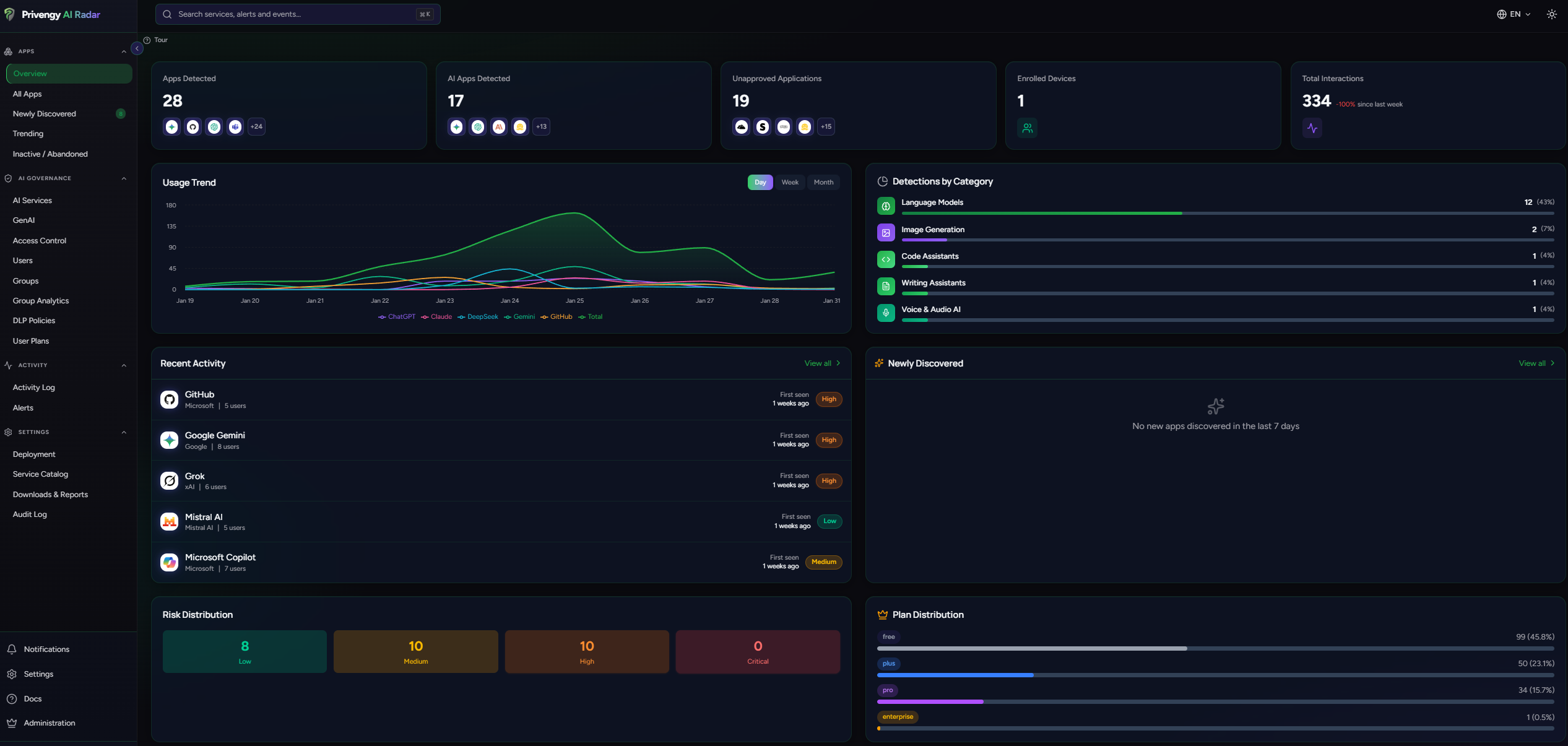
Push the extension silently via Microsoft Intune, Jamf, Google Workspace Admin, or VMware Workspace ONE. Users don't need to do anything.
No network reconfiguration, no certificate installation, no proxy setup. Generate an enrollment token, push the extension, and start seeing AI usage immediately.
Employees can install the extension on personal devices with a simple enrollment link. Get visibility into AI usage even on unmanaged devices.
Configure the extension as force-installed via MDM so users cannot remove it. Ensure continuous monitoring on all corporate devices.
The extension adds minimal overhead. All DLP analysis happens locally in under 200ms. Users won't notice any performance impact.
Track deployment progress across your organization. See which devices have the extension, which are pending, and troubleshoot enrollment issues.
Block all network APIs (fetch, XHR, WebSocket, EventSource) when a service is blocked. Users cannot bypass restrictions through any method.
Automatically detect if users are on free, pro, team, or enterprise plans across ChatGPT, Claude, Copilot, and more. Know exactly which tier your employees use.
Block or allow AI services based on subscription tier. Only permit corporate (paid) accounts where data isn't used for training. Block personal free accounts.
Detect when browser DevTools are opened and adapt monitoring behavior. Prevent technically-savvy users from analyzing or attempting to bypass security controls.
IT admins can troubleshoot deployment issues with a built-in diagnostics panel showing connection status, active policies, inspection metrics, and recent errors.
Generate an enrollment token, then configure your MDM to force-install the extension with that token. We have step-by-step guides for each MDM platform.
No. All DLP analysis happens locally in under 200ms. We use Manifest V3 which is the most efficient extension architecture available.
The extension requires access to specific AI service domains. It does NOT require access to all browsing history—permissions are scoped to only what's needed.
When force-installed via MDM, users cannot disable or uninstall it. For BYOD devices, removal is logged and reported.
Deploy in minutes, not months. Get visibility into AI usage without network complexity.